Granola vs Fireflies (2026): Price, Bots, Which to Pick
Granola vs Fireflies compared on October 2026 official prices, per-seat totals, bot vs no bot, free plans, privacy and a clear pick-by-reader guide.
Fireflies.ai
Fireflies.ai: start on the free plan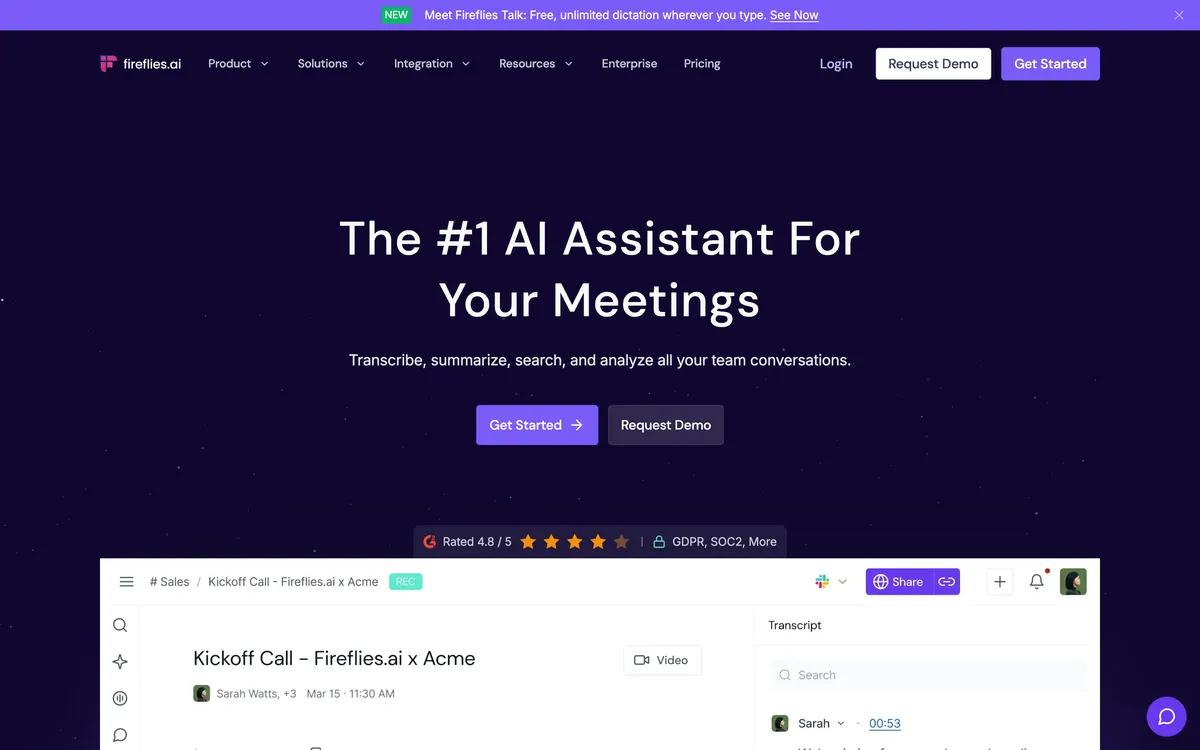
Fireflies.ai · Official website screenshot for editorial identification
Granola vs Fireflies is really two questions: do you want a private note you shape yourself, or a shared library of every call, and how much per seat are you willing to pay for it? This guide compares both tools on the official pricing pages as of October 22, 2026, with per-seat totals for 1, 5 and 10 people.
Most pages ranking for this search are written by a vendor or a competitor, and one of them still quotes an old Fireflies free-storage number. Here you get current plan prices, what the free plans really include, what changed about bots, and a plain "pick X if" split.
Quick answer
- Pick Granola if you work alone or in a small team, want to stay present in the meeting, and want a clean written recap in your own words. Business is $14 per user per month and there is no bot.
- Pick Fireflies if you need every call recorded, searchable and shared, with video, analytics or CRM-style workflows. Pro starts at $10 per seat per month billed annually.
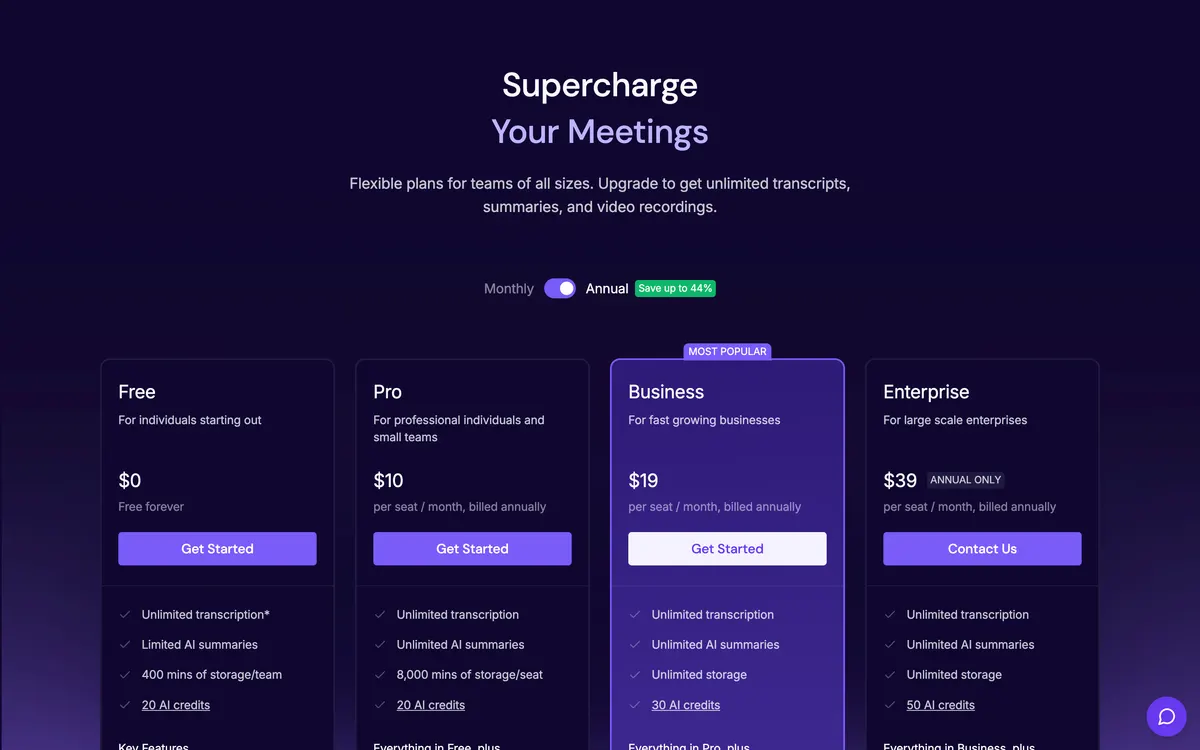
- Cheapest way to test both: Granola Basic is free with 30 days of meeting history. Fireflies Free has limited AI summaries and 400 minutes of storage per team; its pricing card says unlimited transcription with an asterisk, while the comparison table on the same page lists Free transcripts as limited.
Granola vs Fireflies side by side
| Feature | Granola | Fireflies |
|---|---|---|
| Free plan | Basic $0: 30-day meeting history, auto AI model only | Free $0: transcripts listed as limited in the comparison table (card says unlimited*), limited AI summaries, 400 mins storage per team, 20 AI credits |
| Paid plans (per user per month) | Business $14, Enterprise $35 | Pro $10 annual or $18 monthly, Business $19 annual or $29 monthly, Enterprise $39 annual only |
| How it captures audio | Your device audio, no bot joins | Notetaker bot by default; desktop app and Chrome extension can record without the bot |
| Platforms | macOS, Windows, iOS, Android, Apple Watch | Zoom, Google Meet, Teams and more, desktop and mobile apps, Chrome extension, file upload |
| Languages | 31 on desktop, 17 on mobile (Korean on both) | 100+ languages, Korean included |
| Audio kept after the call | No, audio is deleted after transcription | Yes, recordings are stored (Pro 8,000 mins per seat; Business and Enterprise unlimited) |
| Recording length limit | Not stated on the pricing page | 2 hours on Free and Pro, 3 on Business, 4 on Enterprise |
| Team analytics, conversation intelligence | Usage analytics on Enterprise | Business and above |
| SSO, HIPAA | Enterprise only | Enterprise only |
Sources: granola.ai/pricing and fireflies.ai/pricing, both checked October 22, 2026. *Fireflies marks unlimited transcription on Free with an asterisk; check the footnote on its pricing page.
Granola vs Fireflies price: per-seat totals
The per-seat headline hides how fast the gap grows. Here is the monthly bill for the plans most people compare, using the listed prices. Granola's page shows one price per user per month and no annual rate, so it appears once.
| Plan | 1 seat | 5 seats | 10 seats | 5 seats per year |
|---|---|---|---|---|
| Granola Business ($14) | $14 | $70 | $140 | $840 |
| Fireflies Pro, annual ($10) | $10 | $50 | $100 | $600 |
| Fireflies Pro, monthly ($18) | $18 | $90 | $180 | $1,080 |
| Fireflies Business, annual ($19) | $19 | $95 | $190 | $1,140 |
| Fireflies Business, monthly ($29) | $29 | $145 | $290 | $1,740 |
| Granola Enterprise ($35) | $35 | $175 | $350 | $2,100 |
| Fireflies Enterprise, annual only ($39) | $39 | $195 | $390 | $2,340 |
Two readings follow. If you will pay annually, Fireflies Pro undercuts Granola Business by $4 per seat per month. If you want month-to-month, Granola Business is $4 cheaper than Fireflies Pro and $15 cheaper than Fireflies Business. Compare tiers by features, not by the cheapest sticker: Granola's Business plan includes pre-meeting briefs, follow-up emails, unlimited history and API access, while the matching Fireflies tier for analytics and Multi-language Mode is Business.
Granola vs Fireflies free plan: what you actually get
Granola Basic keeps meeting history for 30 days and limits MCP access to personal notes from the last 30 days. It still includes bot-free capture, speaker labels, templates and shared folders. Integrations such as Notion, Zapier and HubSpot, and API access, start on Business.
Fireflies Free gives you transcription across Zoom, Google Meet and Teams, meeting search and the AskFred assistant, but caps storage at 400 minutes per team and summaries are limited. Granola's own blog says 800 minutes, which no longer matches the current Fireflies pricing page.
The practical difference: Granola Free forgets old meetings, Fireflies Free fills up. For a one-week trial both are enough. For ongoing use, expect to upgrade either one.
Bot vs no bot: what changed
The old shorthand was "Granola has no bot, Fireflies does." It is now half true. Granola still never joins a call. It transcribes the audio on your device, which also makes it work for in-person meetings and phone calls through the mobile app.
Fireflies sends a notetaker bot by default, but its help guide describes bot-free options: the Chrome extension (documented for Google Meet only) and the desktop app, which can capture with or without the notetaker. Fireflies' pricing page also lists Chrome-extension recording without the bot among its features. Check which platforms your calls run on before relying on it.
No bot does not mean no consent. Granola says without a bot other participants will not automatically know it is running, so it offers an optional chat message and a video watermark and tells you to ask permission, since some places legally require it. Fireflies' bot at least announces itself. Whichever you pick, tell people.
Which has better features for teams?
Fireflies is built around a shared record. It offers channels, comments, clips, downloads, an API, conversation intelligence and team analytics on higher plans, plus a Multi-language Mode on Business. If your calls feed sales reviews, customer support or recruiting, that library is the product.
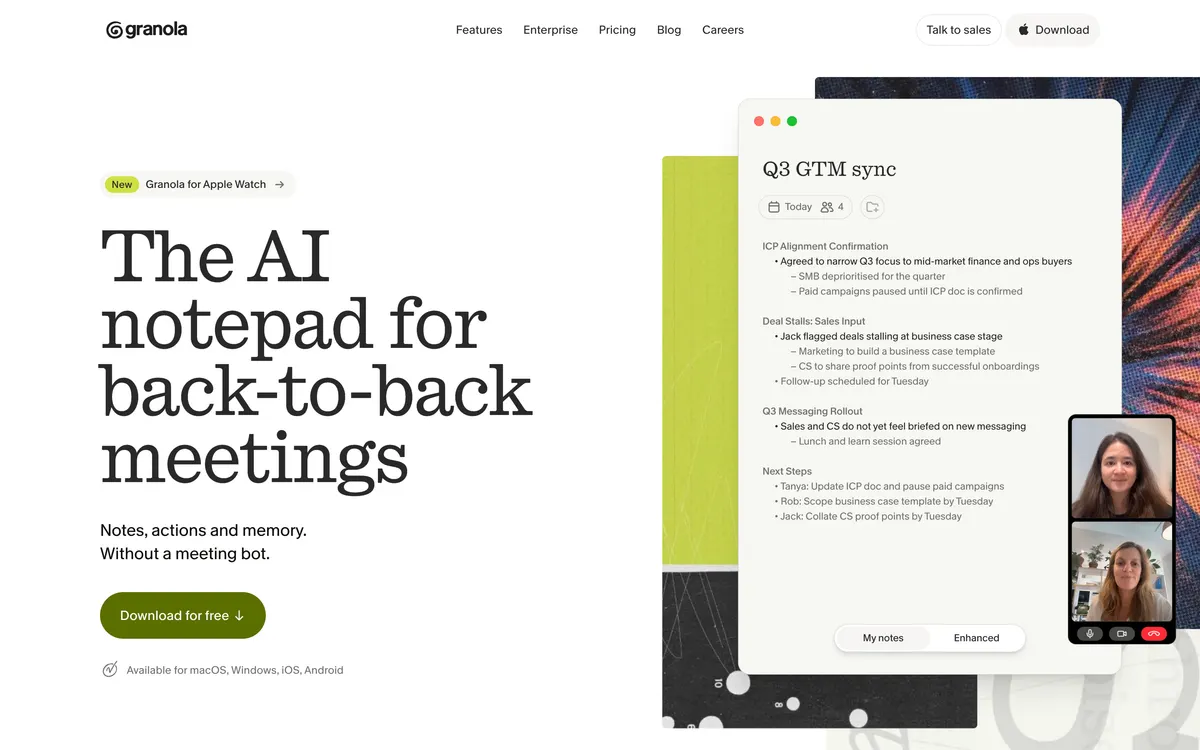
Granola is built around the note. You type cues during the call, and it shapes the recap around them. Teams can share folders and use Slack, and Business adds centralized billing and user management. Enterprise adds usage analytics, admin controls over MCP and API, org-wide retention rules and an enforceable notice that Granola is in use. One reviewer describes the split as a writing surface versus a conversation database. Compare the AI note taker field more broadly in our five-tool comparison by meeting type.
Is Fireflies.ai trustworthy?
Fireflies' security page says it holds SOC 2 Type II, lists GDPR, and describes 256-bit AES encryption at rest and TLS in transit. It states customer data is not used to train AI models, although the page words this as "by default" in one place and as an absolute elsewhere. The healthcare BAA is available only on Enterprise with Private Storage. These are the vendor's claims; ask for current reports if you are in a regulated field.
Granola's pricing page lists SOC 2 Type II and a DPA on every plan, and says audio is deleted after transcription. Model-training opt-out is per user on Basic and Business, and applies to the whole team only on Enterprise. HIPAA-compliant workspaces and SSO are Enterprise features. Neither tool is a substitute for your own policy on recording conversations.
Granola vs Fireflies vs Otter and Fathom
Searchers often widen this to four tools. Otter and Fathom are bot-based and sit closer to Fireflies on capture. For a three-way look at Granola against them, read Granola vs Otter vs Fathom. For plan details on each side, see Granola AI pricing and Fireflies AI pricing.
Which should you pick?
- Solo professional, consultant, researcher or PM running interviews: Granola. The editable note, no bot and deleted audio fit one-to-one conversations.
- Sales, customer success or recruiting team that needs replay and search: Fireflies, usually Business for analytics and conversation intelligence.
- Multilingual team: Fireflies lists transcription in 100+ languages on its pricing page. Granola now supports Korean and 30 other languages on desktop.
- Regulated or enterprise buyer: both gate HIPAA and SSO behind Enterprise. Ask both vendors for their current terms.
- Undecided: run both free plans on two similar calls and compare how long you spend correcting each recap.
There is no single winner, so this guide does not name one. The choice depends on whether your meetings are your own thinking time or a company record.
FAQ
Which AI meeting assistant is the best?
It depends on the reader. Granola suits individuals who want private, editable notes. Fireflies suits teams that want a shared, searchable record of calls. Granola's own comparison page admits no single tool wins every category.
Is Fireflies cheaper than Granola?
On annual billing, yes: Pro is $10 versus Granola Business at $14. Billed monthly, Fireflies Pro is $18, which is more than Granola. Fireflies Business is $19 annual or $29 monthly.
Does Granola join my meeting like Fireflies?
No. Granola captures audio on your device and never joins as a participant. Fireflies joins with a bot by default, with desktop app and Chrome extension options that record without it.
Can I use either for free?
Yes. Granola Basic is free with 30 days of history. Fireflies Free includes limited AI summaries and 400 minutes of storage per team. Its pricing card says unlimited transcription with an asterisk, but the comparison table lists Free transcripts as limited, so expect a cap.
Which is better, Granola or Fireflies, for Korean meetings?
Both list Korean. Fireflies' help guide lists Korean and Korean (South Korea), and Granola's docs mark Korean on desktop and mobile, so the choice comes down to the other differences: Fireflies for a shared library of calls, Granola for private notes without a bot.
Prices and plan limits were checked on October 22, 2026 and can change. Confirm on Granola and Fireflies before you pay.
Explore the available options
Confirm the final price, eligibility, and refund terms on the seller page before purchasing.
Granola AI meeting notes
Granola link: new users get 100% off the first paid monthSources & verification dates
- Fireflies.ai pricing ↗2026-10-22
- Granola pricing plans ↗2026-10-22
- Granola official site ↗2026-10-22
- Why Granola doesn't use a bot ↗2026-10-22
- Meeting note tool pricing: Granola vs. Fireflies vs. Fathom vs. Otter (Granola blog) ↗2026-10-22
- Granola multi-language support ↗2026-10-22
- Fireflies security and privacy ↗2026-10-22
- How to invite Fireflies to meetings (bot-free methods) ↗2026-10-22
- Fireflies supported languages ↗2026-10-22
- Granola vs Fireflies.ai: Personal Notes or Team System? (Zachary Proser) ↗2026-10-22
- Granola vs Fireflies (2026): Which AI Notetaker Wins? (Fireflies blog) ↗2026-10-22
- Fireflies vs Granola (Sybill) ↗2026-10-22
- Granola partner program ↗2026-10-22
2 options checked in this guide
See the options