For researchers who work through many long PDFs and need passage-level citations, reference-manager sync and exports to BibTeX or RIS; NotebookLM stays the free pick for lighter use.
Affiliate link: Fieldnotes earns a commission if you purchase through this link.
If you are comparing NotebookLM alternatives, start with what Google's own tool allows today. Google's help center now calls the product Gemini Notebook, but most people still search for the old name, so this guide says NotebookLM throughout. The free plan gives you 100 notebooks and 50 sources per notebook, and its chat and generation limits are now compute-based rather than a fixed daily count.
This guide puts those limits next to six alternatives: Anara, Elicit, SciSpace, ChatGPT Projects, Perplexity Projects and Recall. We did not test these tools hands-on. Every limit and price comes from official pages checked on October 9, 2026, followed by a pick-by-need flow.
Quick answer: stay on free NotebookLM if 50 sources per notebook is enough, choose Anara if you work through large PDF libraries and need passage-level citations, use Elicit to find papers you do not have yet, and pick Recall if you learn mostly from videos, podcasts and articles.
NotebookLM alternatives compared: free limits and paid prices
Tool
Free tier (with unit)
Paid entry price
Best at
NotebookLM (now Gemini Notebook)
100 notebooks, 50 sources per notebook; compute-based quota refreshing every 5 hours, with a weekly cap
Google AI Pro: $19.99 per month or $199.99 per year (300 sources per notebook, 4x standard usage)
Free source-grounded answers about files you already have
Anara
Limited AI use that refreshes daily; up to 20MB or 120 pages per upload
Plus: $10 per seat per month, or $8 per seat per month billed yearly. Pro: $20, or $16 billed yearly
Large PDF libraries, passage-level citations, writing with references
Elicit
Unlimited search across 138M+ papers; limited Research Agent and Research Reports use
Academic Plus: $19 per month, or $11 per month billed yearly. Industry Pro: $75 per month, or $49 billed yearly
Finding papers and screening them for reviews
SciSpace
No free plan listed on the pricing page; check at sign-up
Premium: $20 per month, or $12 per month billed yearly (1,200 credits per month)
Credit-based research agent chats, with unlimited monthly usage from Advanced
ChatGPT Projects
5 files per project; unlimited projects
Go: $8 per month. Plus: $20 per month (both 25 files per project)
Mixing your files with general chat, web search and deep research
Perplexity Projects
Same file caps on every plan: 10,000 files and 5 GB per project, 100 MB per file. Free-plan access to Projects not stated
Perplexity Pro: check the current price on Perplexity
Web answers with citations next to a large file set
Recall
10 AI summaries per month
Plus: $12 per month, or $10 per month billed yearly
Learning from videos, podcasts and articles with quizzes and spaced repetition
NotebookLM's paid tiers come through Google AI plans, Google Cloud or a qualifying Google Workspace plan, not a standalone subscription. Elicit publishes separate Academic and Industry price lists, so check which applies to you.
What the free NotebookLM plan covers now
Before switching, check whether you have actually hit a limit. Google's plans page lists these caps, marked as subject to change:
Standard (free): 100 notebooks per user and 50 sources per notebook.
Plus: 200 notebooks and 100 sources per notebook.
Pro: 500 notebooks and 300 sources per notebook.
Ultra: 500 notebooks and 500 or 600 sources per notebook, depending on the storage tier.
Each source can hold up to 500,000 words or 200MB, and paywalled web pages are not supported. Google no longer publishes a fixed number of daily chats or Audio Overviews. Usage is compute-based: the quota refreshes every 5 hours until you reach a weekly limit. AI Plus doubles the standard limit, AI Pro quadruples it, and AI Ultra gives 5x or 20x the AI Pro level. Google does not publish the absolute standard numbers, so these multipliers cannot be turned into a count of chats.
In the US, Google AI Pro costs $19.99 per month or $199.99 per year. The US plans page also advertised Google AI Pro free for one year for students, with availability varying by country, so students should check that offer before paying for another tool.
NotebookLM alternatives for research: Anara, Elicit and SciSpace
NotebookLM answers questions about sources you upload, and the free plan stops at 50 per notebook. Researchers usually need one of two other things: a larger library they can cite precisely, or a way to find papers they have not read yet. Which NotebookLM alternative for research fits depends on which job you have.
Anara: for working through a large PDF library
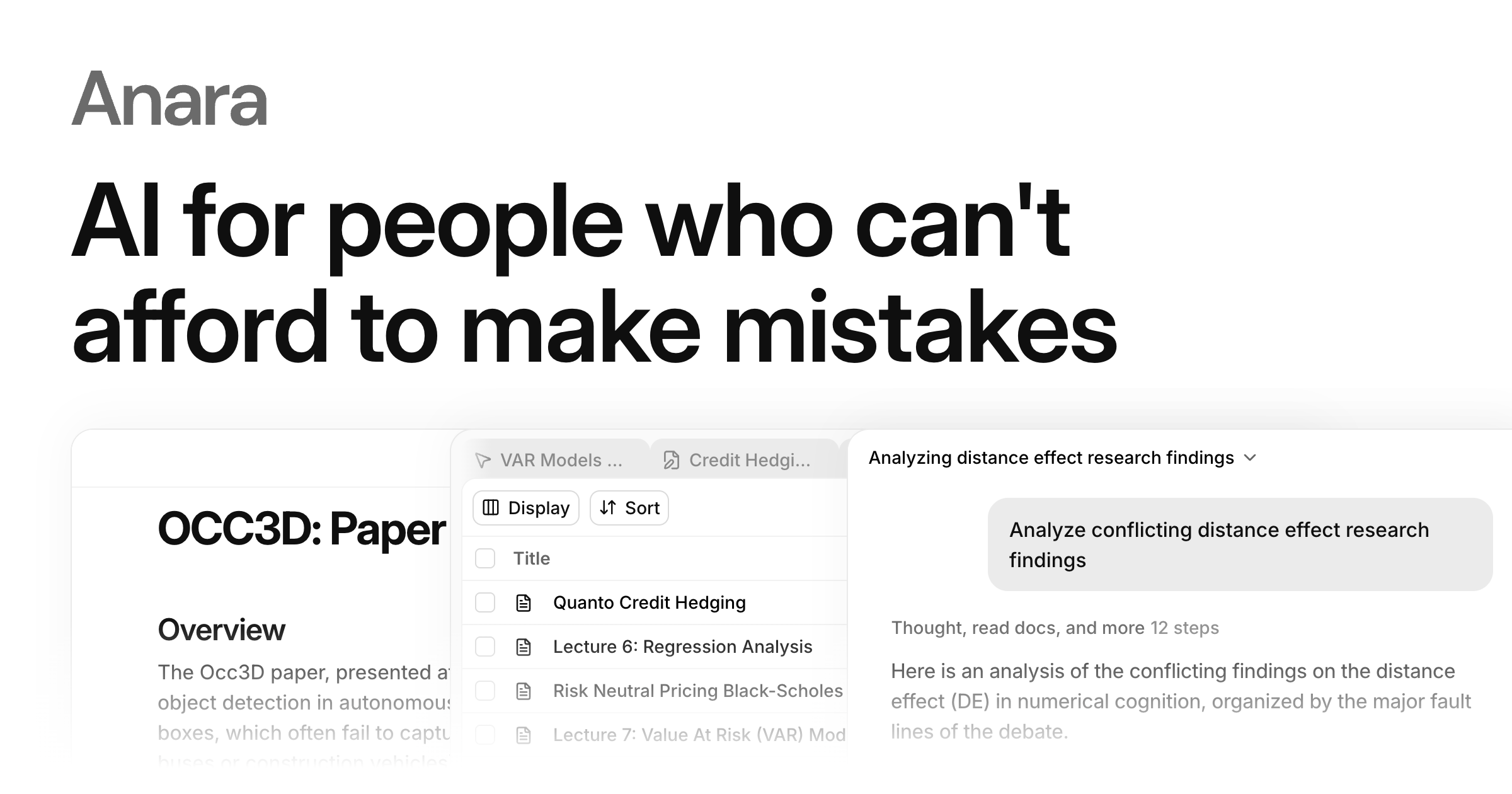
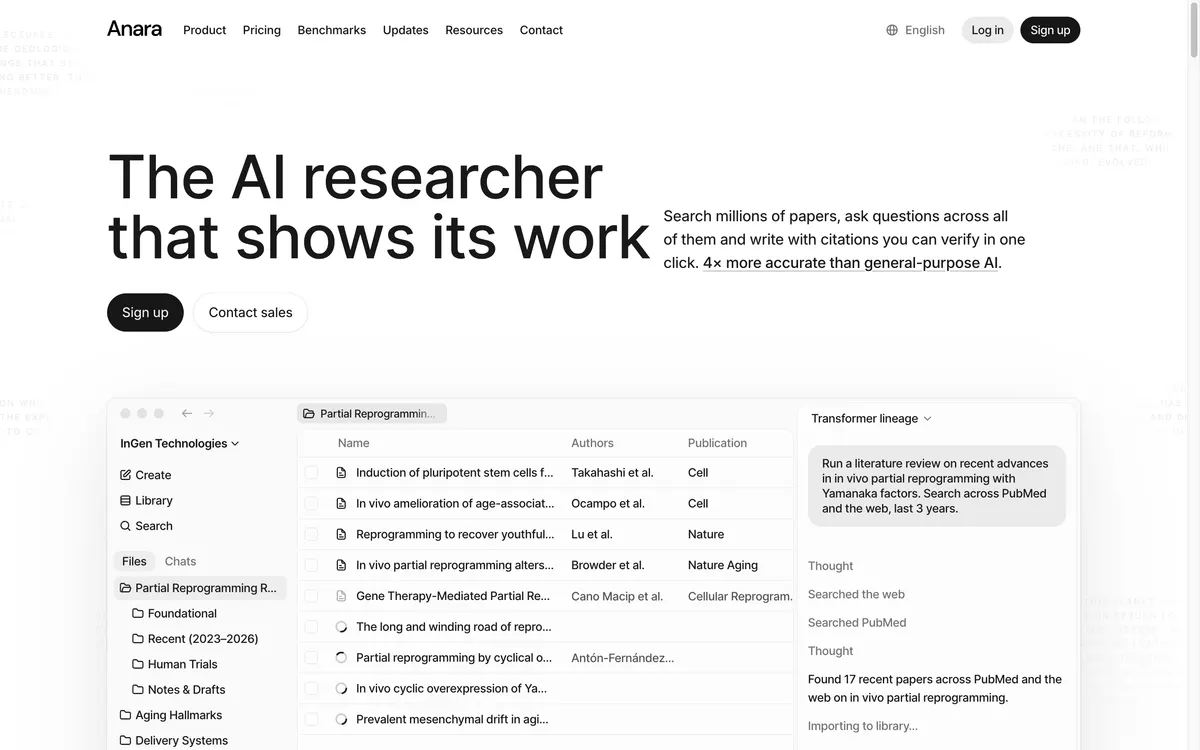
Anara is a research workspace for reading, questioning and writing from your own papers. Its FAQ says answers cite the exact passage, and that it searches your library, the web and over 300 million academic papers. Its Views feature asks the same questions of every file in a folder, which suits literature review tables. Reference lists export to BibTeX, RIS or CSV, and Zotero and Mendeley connect on every plan, including Free.
Free caps each upload at 20MB or 120 pages, with limited AI use that refreshes daily. Plus raises uploads to 100MB or 600 pages and adds science databases such as PubMed. OCR for scanned PDFs starts at Pro, which allows 300MB or 10,000 pages per upload. There is no Windows desktop app yet, so Windows users work in the browser. Anara has no student discount, and the link on this page carries no reader discount.
According to Anara's own benchmark, Anara scored 97% on answer correctness versus 88% for NotebookLM and 63% for ChatGPT, and handled up to 10,000 documents per conversation versus 600 for NotebookLM. These are vendor-run tests that we could not verify independently, so read them as Anara's claim, not a neutral result.
If you are a researcher working through dozens or hundreds of PDFs and need to cite exact passages, Anara is the alternative we recommend checking first. Paid plans start at $10 per seat per month, or $8 billed yearly, and you can compare Anara plans and upload limitsAffiliate link: Fieldnotes earns a commission if you purchase through this link. before you commit. For a plan-by-plan breakdown, see our Anara pricing guide.
Elicit: for finding papers you do not have yet
Elicit solves a different problem. The free Basic plan includes unlimited search across more than 138 million papers, with limited Research Agent and Research Reports use, and the pricing page gives no number for that usage. Industry Pro adds a systematic review workflow that can screen 5,000 papers. On the Academic list, Pro is $69 per month or $39 billed yearly. On the Industry list, it is $75 per month or $49 billed yearly.
SciSpace: for heavy, credit-based agent use
SciSpace sells credit-based plans. Premium includes 1,200 credits per month and up to 4 parallel agent chats. Advanced is $90 per month, or $70 billed yearly, with unlimited monthly usage. The pricing page did not list a free plan, so confirm what a free account includes before relying on it.
ChatGPT and Perplexity Projects as general-purpose alternatives
ChatGPT Projects allow 5 files per project on Free, 25 on Go and Plus, and 40 on Pro, Business, Enterprise and Edu, with only 10 files uploaded at a time. NotebookLM's free plan allows 50 sources per notebook, so ChatGPT holds fewer files per workspace. In exchange, it puts general chat, web search and deep research in the same place, and projects are unlimited.
Perplexity Projects, previously called Spaces, hold up to 10,000 files and 5 GB per project, with each file up to 100 MB. Perplexity says those file limits are the same on every plan. We could not confirm the current Perplexity Pro price, or whether free accounts can create Projects, from an official page, so check both on Perplexity.
Free NotebookLM alternatives: what each free tier includes
If price decides it, compare free tiers by the unit that limits you: sources per notebook on NotebookLM (50), files per project on ChatGPT (5), pages per upload on Anara (120), and AI summaries per month on Recall (10). Elicit's free paper search is unlimited, while its agent use is capped. SciSpace listed no free plan.
For most free users, a practical pairing is NotebookLM for questions about your own sources and Elicit's free search for finding new papers. Anara Free, which needs no credit card, is worth adding when you want passage-level citations and Zotero or Mendeley sync, as long as each PDF stays under 120 pages.
Open-source and local NotebookLM alternatives
If you want files to stay on your own machine, SurfSense describes itself on GitHub as an air-gapped, open-source NotebookLM alternative. It is licensed under Apache-2.0, can run offline, and works with any OpenAI-compatible API or a local model. Self-hosted tools trade convenience for control, because you handle setup, models and updates yourself.
Privacy and data handling compared
Check data policies before uploading unpublished work. Here is what each official page states:
NotebookLM: for personal accounts, Google says your data is not used to train Gemini Notebook unless you provide feedback. Workspace and Education account data is not reviewed by human reviewers, even when you give a thumbs up.
Anara: SOC 2 Type II and ISO 27001 certified, with zero data retention terms with all of its LLM providers. Whether Anara trains its own models on your files was not stated on the pages we read.
Elicit: the Enterprise plan lists no training on your data by default. We did not find the same statement for other plans.
SurfSense: runs offline, so files can stay on your machine.
ChatGPT, Perplexity, Recall and SciSpace: we did not review their data policies for this guide, so check each one's privacy settings before uploading sensitive files.
Pick by need: which NotebookLM alternative fits your work
You hit 50 sources per notebook but like NotebookLM: upgrade within Google first. Google AI Pro raises the cap to 300 sources per notebook and four times the standard usage.
You review many long PDFs and must cite exact passages: Anara. If your papers are scanned, budget for Pro, where OCR starts.
You need to find and screen papers, not just read them: Elicit. Use the Academic price list if you qualify.
You want one assistant for files, web search and general tasks: ChatGPT Projects, with 5 to 40 files per project.
You want web answers with citations next to a large file set: Perplexity Projects, with up to 10,000 files per project.
You learn from videos, podcasts and articles: Recall, which adds quizzes and spaced repetition on Plus.
You need files to stay offline: SurfSense, if you can run it yourself.
Recall's own pricing page puts the split plainly: NotebookLM is built for research projects, while Recall is built for lifelong learning.
Frequently asked questions
Is there a free version of NotebookLM?
Yes. The Standard plan is free with a Gmail account and includes 100 notebooks and 50 sources per notebook. Usage is compute-based, with a quota that refreshes every 5 hours up to a weekly limit. Paid Google AI plans raise those caps.
Does Microsoft have anything similar to NotebookLM?
Yes. Copilot Notebooks is Microsoft's equivalent: you add files and pages to a notebook, and Copilot grounds its answers in them. Microsoft's support page says Microsoft Copilot users can add more than 300 references, with the first 300 used for grounding, while Copilot Chat users can add up to 50. Access depends on your Microsoft 365 or Copilot license.
Is NotebookLM better than ChatGPT?
It depends on the job. For questions about a fixed set of documents, free NotebookLM allows 50 sources per notebook against 5 files per project on ChatGPT Free. For work that mixes your files with web search, writing and agents, ChatGPT Projects keep everything in one assistant.
Which NotebookLM alternatives work for studying?
For learning from videos, podcasts and articles, Recall's free plan includes 10 AI summaries per month, and Plus adds quizzes and spaced repetition. Recall offers a 20% student discount when you email from a student address. US students should also check Google's offer of Google AI Pro free for one year, which raises NotebookLM's own limits.
What about NotebookLM alternatives on Reddit?
Community threads show real setups but rarely list current plan limits. Map the needs they raise to official limits instead: Recall Plus for chatting with your saved articles and videos, SurfSense for self-hosting, ChatGPT or Perplexity Projects for one assistant that also searches the web, and Anara or Elicit for paper-heavy research.
Bottom line
Start by naming the limit you hit. If it is the 50-source cap and you like NotebookLM, Google AI Pro is the shortest path. If you need precise citations across a large PDF library, Anara is the pick for that reader, and Free lets you try it on papers under 120 pages. For finding literature, start with Elicit's free search; for learning from media, Recall is built for that use. Whichever you choose, run it on a few of your own files and recheck the plan page at checkout. Compare Anara plans and upload limitsAffiliate link: Fieldnotes earns a commission if you purchase through this link.
Prices and plan details checked on October 9, 2026 and may change.
Explore the available options
Confirm the final price, eligibility, and refund terms on the seller page before purchasing.