Fireflies pricing comes down to three numbers: $10, $19 and $39 per seat per month when billed annually, with a Free plan at $0. Paying month to month raises Pro to $18 and Business to $29. This guide shows what each plan costs for 1, 5 and 10 seats, what the AI credit packs cost on top, and where Fireflies' own pages disagree about the Free plan. All figures were checked on October 22, 2026, in USD.
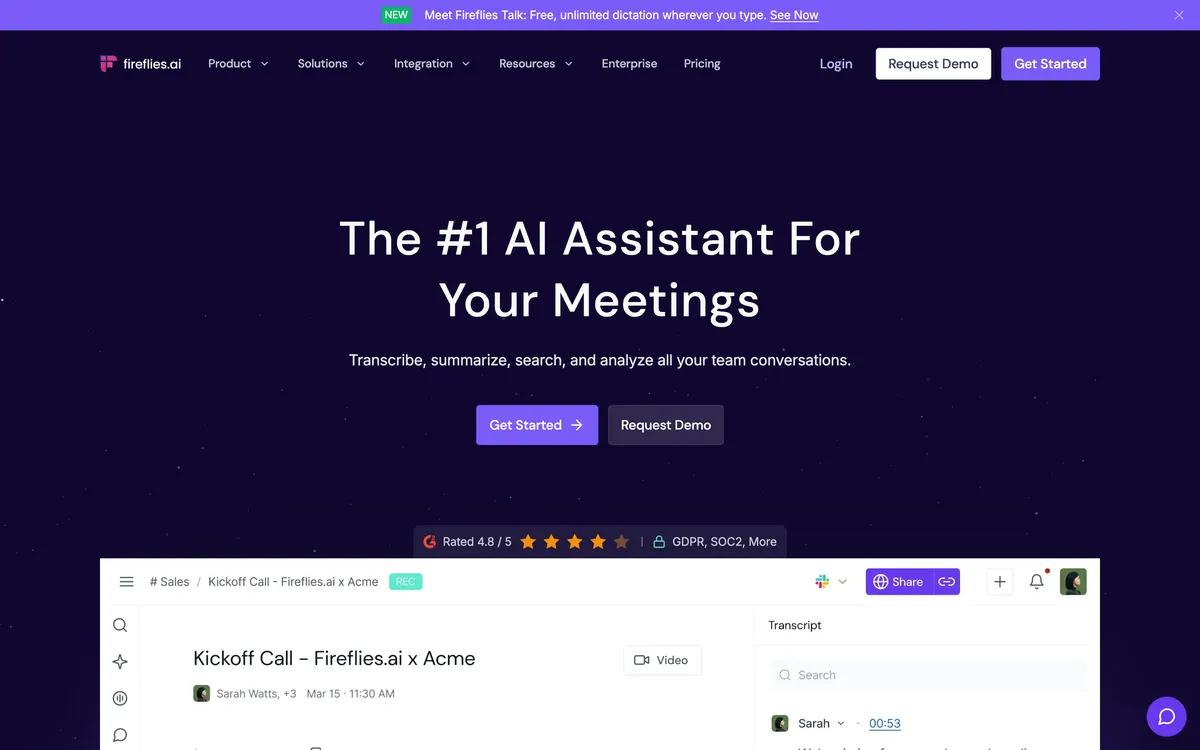
Fireflies.ai homepage (official site, captured October 22, 2026)
Fireflies.ai is the AI meeting-notes assistant. It is not Adobe Firefly, the image generator, which is a separate product with separate pricing.
Quick answer
Trying it: Free ($0). Expect tight storage and a small one-time credit balance.
Best value for most small teams: Pro at $10 per seat per month billed annually ($50 per month for 5 seats).
Teams that need analytics and unlimited storage: Business at $19 annual or $29 monthly. Enterprise is $39, annual only, and is the plan for SSO and HIPAA.
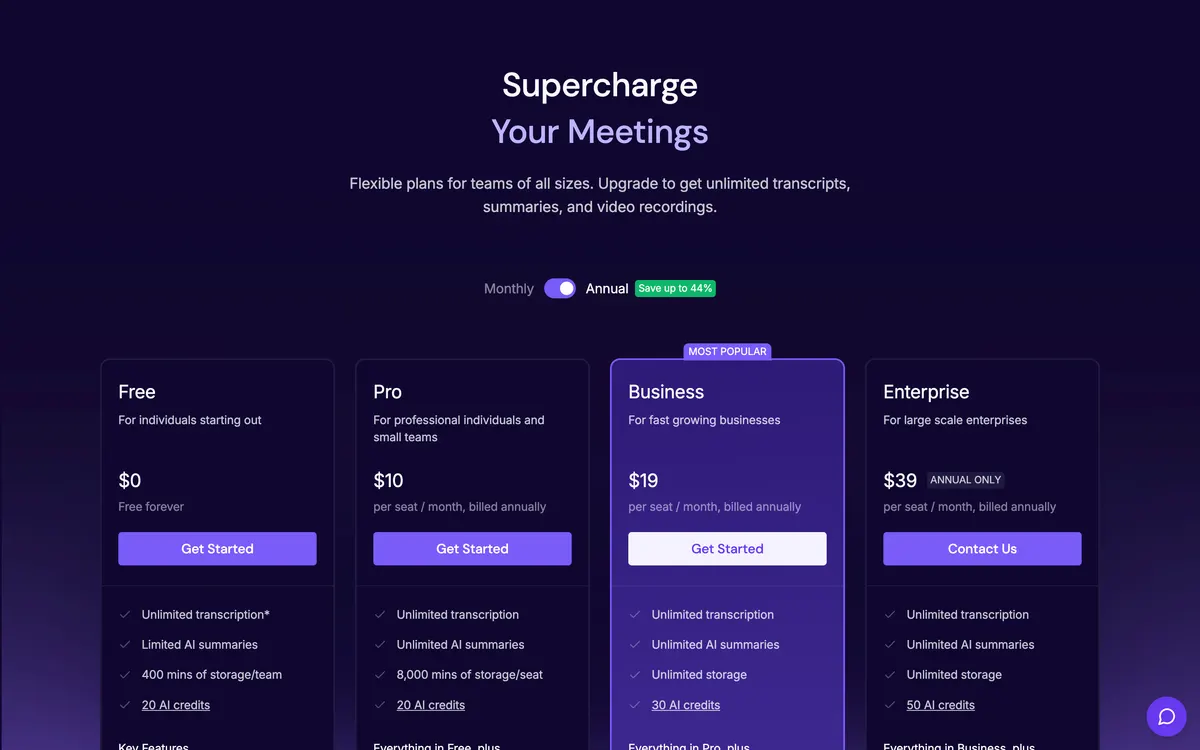
Fireflies pricing per month: every plan, seat totals included
The table lists the published per-seat rate and then multiplies it. Seat totals are arithmetic from the public rate, not a quote. Fireflies bills every admin and member as one seat, according to its billing help page.
Plan and billing
Per seat / month
1 seat / year
5 seats / month
10 seats / month
Storage
Recording limit
One-time AI credits
Free
$0
$0
$0
$0
400 min (see conflict below)
2 hours
20
Pro, annual
$10
$120
$50
$100
8,000 min per seat
2 hours
20
Pro, monthly
$18
$216
$90
$180
8,000 min per seat
2 hours
20
Business, annual
$19
$228
$95
$190
Unlimited
3 hours
30
Business, monthly
$29
$348
$145
$290
Unlimited
3 hours
30
Enterprise, annual only
$39
$468
$195
$390
Private storage option
4 hours
50
Sources: fireflies.ai/pricing and the Fireflies billing help page, checked 2026-10-22. Seat totals are simple multiplication.
The monthly premium is large. Pro costs 80% more on monthly billing ($18 against $10), and Business costs about 53% more ($29 against $19). Put the other way, annual billing saves 44% on Pro and about 34% on Business. For one Pro seat that is $96 extra per year, and $120 extra for one Business seat. The pricing page toggle advertises 'Save up to 44%', which is the Pro gap.
Annual billing is a 12-month commitment. Fireflies' billing page says removing a teammate lowers future seat counts but does not refund the current cycle, so a team that expects headcount changes should weigh that before choosing annual.
Fireflies AI pricing: what the AI credits cost on top
This is the part most price pages skip. Transcription and summaries do not use AI credits. According to Fireflies' billing terms, credits power AI Skills, the Personal Assistant, Voice Agents, Sales Assist, the Slack Assistant, CRM autofill, AskFred on Live Assist and Magic Soundbites. Each query is charged dynamically, so a simple request costs fewer credits than a complex one.
Included credits are one-time, not monthly: 20 on Free and Pro, 30 on Business, 50 on Enterprise.
They are shared across the whole workspace and do not grow as you add teammates.
Upgrading replaces the grant. Moving from Free to Business gives you 30 credits, not 50.
Plan credits do not expire. Credits you buy do not carry over past the billing cycle, and AI credits are non-refundable.
On paid plans you can add a credit subscription. Annual add-ons are 20% below monthly.
Credits per month
Monthly price
Annual price (per month)
Cost per credit, monthly
50
$5
$4
$0.10
200
$20
$16
$0.10
1,000
$90
$72
$0.09
2,500
$200
$160
$0.08
5,000
$375
$300
$0.075
10,000
$600
$480
$0.06
Source: Fireflies billing terms help page, checked 2026-10-22. Fireflies also lists 7,500 credits at $450 monthly or $360 annual.
One setting deserves attention. If a paid workspace uses up its included credits and has no credit subscription, Fireflies automatically subscribes it to the lowest tier, $5 per month for 50 credits. Check the credit subscription in your billing settings before you rely on the included credits. A competitor review from Lindy adds that Daily Digest and Meeting Prep consume credits by default until an admin turns them off, so a 20-credit balance can disappear quickly.
Is Fireflies AI free or paid?
Both. The Free plan is $0 with no time limit. It covers Zoom, Google Meet and Teams, transcription in 100+ languages, AskFred, file uploads, the Chrome extension, desktop and mobile apps and API access, per the pricing page. Pro and above add video recording, downloads of transcripts and recordings, AI Skills, Voice Agents and the Personal Assistant.
The Free plan limits conflict across Fireflies' own pages
This is the biggest gap in the current results. Fireflies' pages do not agree, so treat any single number as provisional and check your own account.
New accounts from 2026-09-01 start with 3 to 10 transcription credits; 3 meetings by default
Fireflies vs Superhuman blog (Oct 2026)
800 min per seat
not stated
3 AI summaries per month
The practical reading: the Free plan is enough to see whether the notes are useful on a few meetings, but do not plan a team workflow on it. Fireflies' help article also says downloading transcripts needs a paid plan, and uploads are capped at 100 MB and 150 minutes per file.
Which Fireflies plan fits you
Free: evaluating on a few meetings
Use it to check transcript quality with your accents, audio and platforms. Auto-join is a separate toggle. Fireflies' help article says that on Free it is what removes the cap on transcribed meetings, at the cost of the bot joining your calendar meetings.
Pro: individuals and small teams
For a team of two to five people who record Zoom, Google Meet or Teams calls and want downloads and AI Skills, Pro billed annually is the plan to start with. It gives unlimited summaries, 8,000 minutes of storage per seat, video recording and unlimited integrations. Five seats on annual billing are $600 per year; the same five on monthly billing are $1,080. You can start from the Fireflies.ai: start on the free plan link and upgrade only if the Free limits get in the way. The link carries no discount.
Business: teams that need analytics
Business is labelled 'Most popular'. It adds unlimited storage, Multi-language Mode, conversation intelligence, team analytics and a 3-hour recording limit. It costs $95 per month for 5 seats billed annually. Choose it for sales or customer-success teams that review calls, not for note-taking alone.
Fireflies enterprise pricing
Enterprise is $39 per seat per month, billed annually only. It adds SSO and SCIM, private storage, custom retention and a 4-hour limit, and HIPAA (BAA) and FERPA agreements are available with Private Storage. The pricing FAQ says plans with more than 50 members can ask sales about volume discounts. Public pricing for larger deals is not listed.
Fireflies API pricing and upload limits
API access is listed on every plan, including Free, but limits apply. On paid plans, uploads from the dashboard, Zapier, dialers, storage apps and the API are limited to 3,000 minutes per month per source, then $0.01 per minute, according to the transcription credits help article. The same article's team overage threshold is worded inconsistently, so confirm it with support before building a bulk workflow. I could not verify a separate API price list.
Is Fireflies AI better than Otter AI?
On sticker price, Otter is cheaper at the low end. Fireflies' own comparison, published June 29, 2026 and therefore vendor-written, lists Otter Pro at $8.33 annual or $16.99 monthly against Fireflies Pro at $10 or $18. At Business level it lists Fireflies at $19 annual and Otter at $19.99. The same page says Fireflies supports 100+ languages while Otter lists a handful, and that Fireflies does not use customer data to train AI models. Treat these as claims to confirm, and see our Otter AI alternatives guide and the Granola vs Otter vs Fathom comparison for a neutral view.
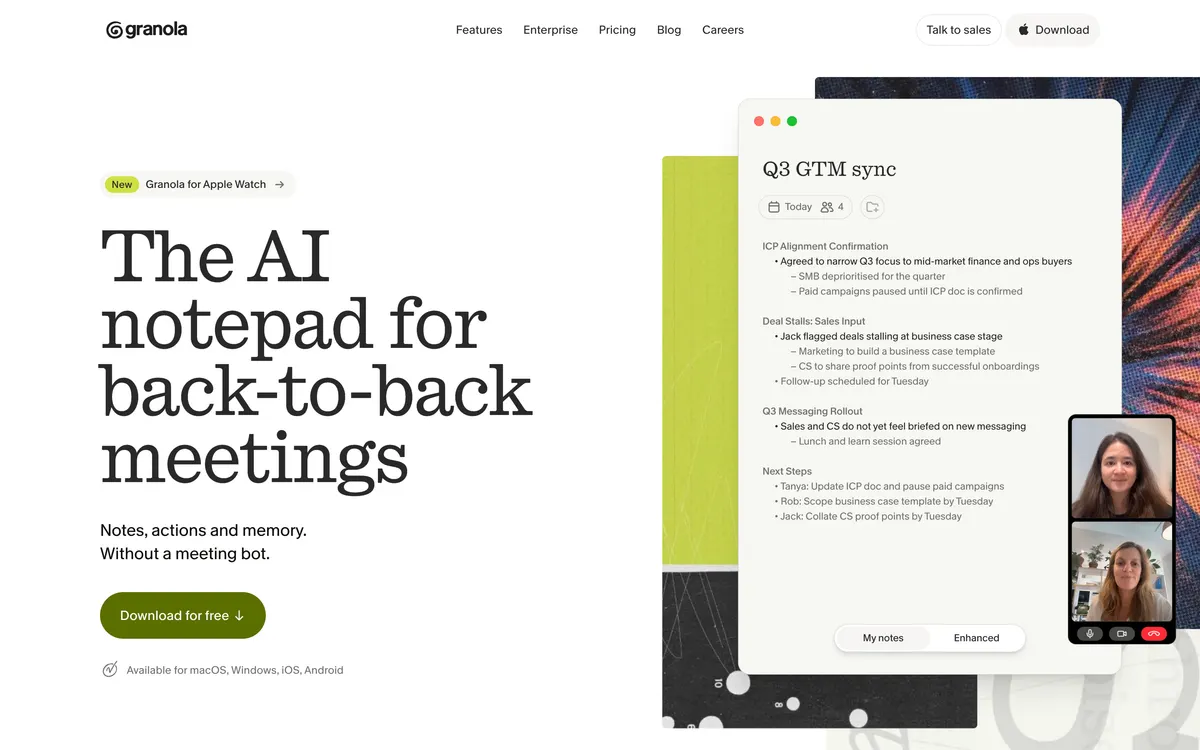
Granola homepage (official site, captured October 22, 2026)
If you do not want a bot in the call at all, the better question is different. Granola lists Business at $14 per user per month and works from your own device; see Granola AI pricing and the head-to-head Granola vs Fireflies guide.
FAQ
How much is Fireflies per month?
Free is $0. Pro is $10 per seat billed annually or $18 billed monthly. Business is $19 annual or $29 monthly. Enterprise is $39 per seat, annual only.
Is Fireflies AI free or paid?
Both. A Free plan exists with no expiry, and the paid plans add video recording, downloads, AI Skills and more storage. Limits on Free differ between Fireflies' own pages, so check your account.
Do Fireflies AI credits cost extra?
Only if you use credit-based features beyond the one-time grant. Credit packs start at $5 per month for 50 credits, and a paid workspace is auto-subscribed to that pack when the included credits run out, so check the credit subscription in your billing settings.
What is Fireflies enterprise pricing?
$39 per seat per month on annual billing. Volume discounts are available for more than 50 members through sales.
What is a seat?
Every admin or member added to the workspace is one billable seat. Sharing a recap link with someone outside the team is free.
Can I start on Free and upgrade later?
Yes. Upgrades take effect immediately with a prorated charge for the rest of the cycle. Downgrades apply from the next cycle.
Bottom line: use Free to test, put small teams on annual Pro, and move to Business only when you need team analytics or unlimited storage. Prices were checked on October 22, 2026 and can change.
Prices and limits were checked on 2026-10-22 and may change. Sources that compete with Fireflies are noted as such in the text.
Explore the available options
Confirm the final price, eligibility, and refund terms on the seller page before purchasing.