
Reader offer
Magnific
Magnific link: up to 40% off (25% annual + extra 20% on your first annual payment)Affiliate link: Fieldnotes earns a commission if you purchase through this link.AI image upscaler tools compared for print, ecommerce, portraits, and restoration. Learn which checks matter before paying for an upscale.
Magnific
Magnific link: up to 40% off (25% annual + extra 20% on your first annual payment)Affiliate link: Fieldnotes earns a commission if you purchase through this link.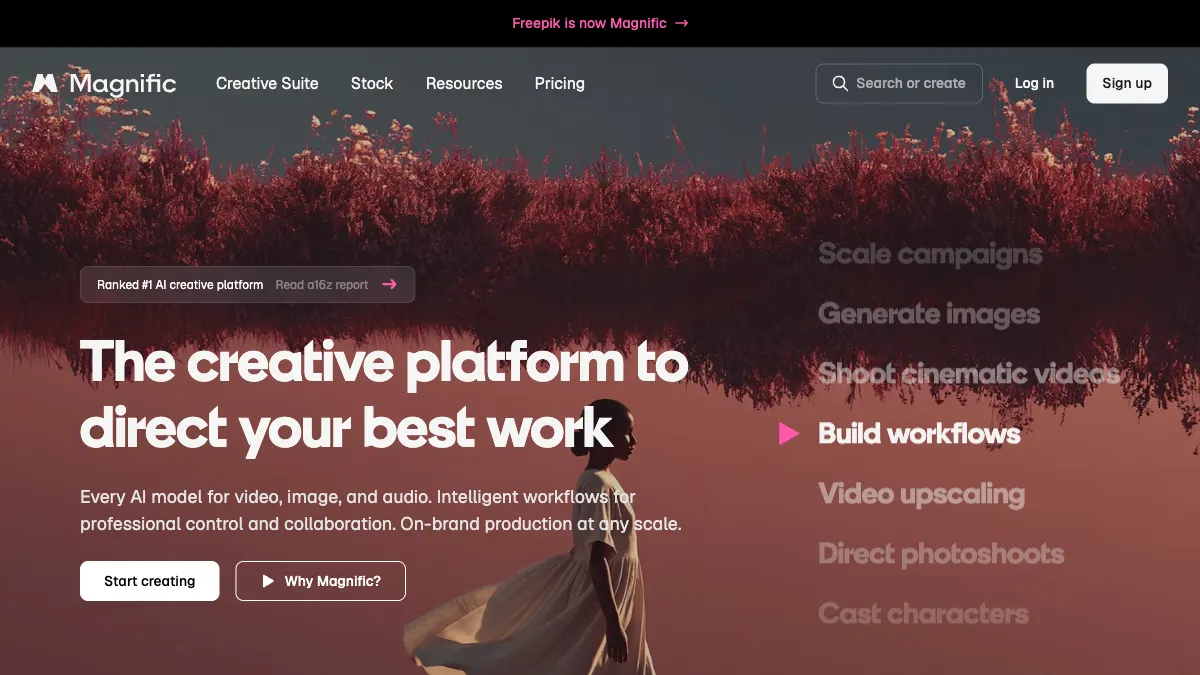
An ai image upscaler can do four different jobs: enlargement, reconstruction, sharpening, and faithful preservation. This guide compares five upscalers by output use, so you can match the tool to the job before paying.
The short answer: start with Magnific for creative detail reconstruction and controlled enhancement, Adobe Firefly for upscaling inside an Adobe editing workflow, and Topaz Photo for desktop photo enhancement and restoration. Do not pick from a demo image alone. Use the same source material and the same acceptance checks across every trial.
| Option | Best for | Input | Check before paying |
|---|---|---|---|
| Magnific | creative detail reconstruction and controlled enhancement | source image and enhancement direction | plan access (the upscaler page lists the Magnific model as Premium+ only) and refund conditions |
| Adobe Firefly | upscaling inside an Adobe editing workflow | image and edit context | output dimensions and subsequent editing |
| Topaz Photo | desktop photo enhancement and restoration | local photo files | local or cloud rendering, commercial-use limits, and artifact review |
| Upscale.media | quick browser-based enlargement | single image | format limits and batch workflow |
| Nero AI Image Upscaler | simple consumer photo enlargement | photo file | face detail and compression artifacts |
The table asks the same four questions of every option because a free label, a polished gallery, and a usable production workflow are different things.
Choose an upscaler by final output, tolerance for invented detail, batch needs, and the ability to compare against the original. Write down the source material, required output, reviewer, and delivery format before comparing products. A tool that accepts the wrong input will create extra conversion work and hide quality problems.
Use one representative sample. It should include the awkward part of the job: a proper noun, a difficult edge, a branded object, a formula, a repeated person, or a noisy recording. Easy samples produce reassuring demos but weak purchasing evidence.
Do not hide correction time. An output that appears impressive but takes extensive cleanup can cost more than a slower first draft. Record the edits in plain language. The notes will also help another team member reproduce the result.
Plan prices change, so compare the cost of one completed job rather than the headline price alone. Include input limits, generations or processing time, exports, commercial-use requirements, team access, and the number of retries needed for an acceptable result.
On October 12, 2026, Magnific's pricing page listed Premium at $20/month, or $14.50/month billed annually, Premium+ at $45/month, or $33.75/month billed annually, and Pro Starter at $90/month, or $66.92/month billed annually. The page labels annual billing 'Save 25% with annual', and its prices exclude VAT and local taxes. Magnific's upscaler page lists the Magnific model, with the Creativity slider and output up to 10K, as Premium+ only, and the pricing page lists the Topaz upscaler from Premium+ upward.
The Magnific link on this page is an affiliate link, so this site may earn a commission if you subscribe through it. If you choose annual billing for Premium or Premium+ through that link, Magnific takes an extra 20% off your first annual payment. Stacked on the 'Save 25% with annual' pricing, that comes to up to 40% off the monthly price for the first year (Premium+ goes from $45 to $27 a month). The link discount does not apply to monthly billing or to Pro plans such as Pro Starter, and Magnific's subscription help page says renewals are charged at the standard price. Confirm currency, tax, renewal, cancellation, and what happens to stored material after the account changes.
Before uploading real work, identify who owns the source, who may appear in it, and where the output will be published. Voice, face, customer, and branded-product material requires more care than a disposable sample.
Magnific belongs on the shortlist when the main job is creative detail reconstruction and controlled enhancement. Prepare source image and enhancement direction before opening the tool. That makes the first run a controlled test rather than an open-ended demo.
The buying check is plan access. Magnific's upscaler page says the Magnific upscaler, which goes up to 10K and adds Creativity and Resemblance sliders, is only for Premium+ users. The pricing page lists 'Magnific image & video upscalers' under Premium, so check in your account which upscaler models your plan unlocks before you build a workflow around Creativity settings. Magnific's 30-day refund applies only if you have not used the service, with no AI credits consumed and no downloads, and even one generation ends eligibility. Save the source material, the output, and a short note about what required manual correction. That record is more useful than a generic quality score because it reflects your real workflow.
Adobe Firefly belongs on the shortlist when the main job is upscaling inside an Adobe editing workflow. Prepare image and edit context before opening the tool. That makes the first run a controlled test rather than an open-ended demo.
The buying check is output dimensions and subsequent editing. Review the current product page and terms on the same day. Save the source material, the output, and a short note about what required manual correction. That record is more useful than a generic quality score because it reflects your real workflow.
Topaz Photo belongs on the shortlist when the main job is desktop photo enhancement and restoration. It runs on Mac and Windows as a standalone app or as a plugin for Photoshop, Lightroom Classic, Capture One, and Apple Photos. Prepare local photo files before opening the tool. That makes the first run a controlled test rather than an open-ended demo.
The buying check is rendering and license scope. Topaz says its plans include unlimited local and cloud rendering: local rendering keeps files on your computer, while cloud rendering takes the processing off your hardware. On October 12, 2026, Topaz listed the Personal plan at $39/mo on monthly billing or $199 billed annually, and Topaz Studio, which includes all the apps, at $69/mo on monthly billing. Both plans limit commercial use to organizations under $1M USD annual revenue. Review the current product page and terms on the same day. Save the source material, the output, and a short note about what required manual correction. That record is more useful than a generic quality score because it reflects your real workflow.
Upscale.media belongs on the shortlist when the main job is quick browser-based enlargement. Prepare single image before opening the tool. That makes the first run a controlled test rather than an open-ended demo.
The buying check is format limits and batch workflow. Review the current product page and terms on the same day. Save the source material, the output, and a short note about what required manual correction. That record is more useful than a generic quality score because it reflects your real workflow.
Nero AI Image Upscaler belongs on the shortlist when the main job is simple consumer photo enlargement. Prepare photo file before opening the tool. That makes the first run a controlled test rather than an open-ended demo.
The buying check is face detail and compression artifacts. Review the current product page and terms on the same day. Save the source material, the output, and a short note about what required manual correction. That record is more useful than a generic quality score because it reflects your real workflow.
The first mistake is changing both the tool and the input. The second is comparing a free preview with a paid production setting. The third is judging only the best result and ignoring how many retries produced it. The fourth is overlooking exports until the end. The fifth is assuming a vendor gallery proves performance on your subject matter.
For a reproducible comparison, hold the input, goal, reviewer, and written pass-fail standard constant. Creative exploration can follow after the purchasing evidence is recorded.
A free plan can be suitable for a controlled sample. It does not automatically include the export, commercial-use, storage, or team rights needed for production. Check the current plan page before publishing client or revenue-generating work.
Use the same source and inspect factual fidelity, missing elements, artifacts, edit time, and consistency across repeated runs. A single attractive output is not enough to show repeatability.
Use a cleared sample first. Upload customer or confidential material only after the service terms, company policy, access controls, and deletion process have been reviewed by the responsible owner.
Only in one case. If you choose annual billing for Premium or Premium+ through the Magnific link on this page, Magnific takes an extra 20% off your first annual payment. Stacked on the 'Save 25% with annual' pricing, that comes to up to 40% off the monthly price for the first year (Premium+ goes from $45 to $27 a month). Monthly billing and Pro plans such as Pro Starter get no link discount, and renewals are charged at the standard price. This site may earn a commission from the link, and the live checkout remains the source of truth.
Choose an upscaler by final output, tolerance for invented detail, batch needs, and the ability to compare against the original. Then compare two candidates with one difficult sample and include correction time in the result.
Avoid unattended use when an error could misstate a product, expose private information, change a calculation, or publish a claim about a person. Keep a human approval step for consequential output.
Bottom line: choose an ai image upscaler workflow by input fit, review burden, rights, and repeatability. Magnific is a sensible first check for creative detail reconstruction and controlled enhancement, but its upscaler page lists the Magnific model as Premium+ only and the 30-day refund applies only if you have made no downloads and used no AI credits, so confirm plan access and refund terms before paying.
Features and terms were checked on October 12, 2026 and may change.
Confirm the final price, eligibility, and refund terms on the seller page before purchasing.
Affiliate link: Fieldnotes earns a commission if you purchase through this link.
1 option checked in this guide
See the options