Reader offer
Fabric AI workspace
New users: 20% off for 6 monthsAffiliate link: Fieldnotes earns a commission if you purchase through this link.Compare Fabric Plus, Pro and Max pricing, the listed 25% annual savings, and a separate 20% new-user offer for 6 months.
Fabric AI workspace
New users: 20% off for 6 monthsAffiliate link: Fieldnotes earns a commission if you purchase through this link.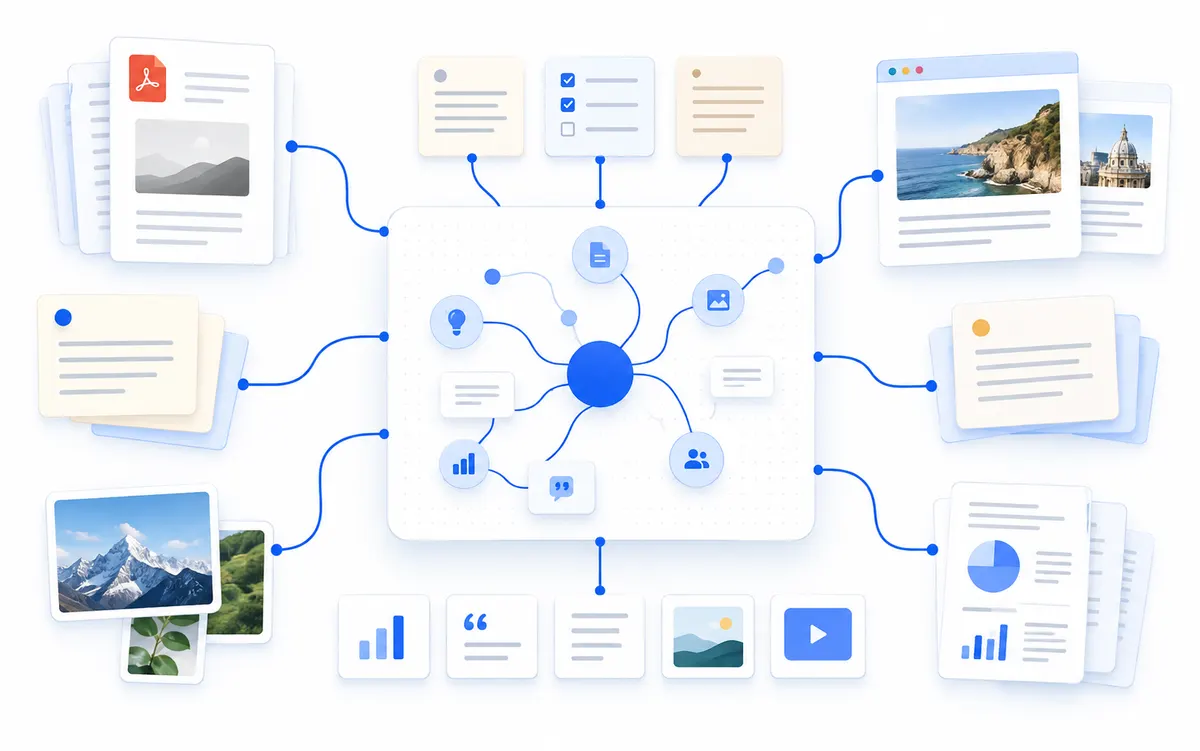
When comparing Fabric pricing, match storage and AI usage to the material you actually plan to keep in the workspace. The official individual pricing page, checked September 29, 2026, lists three annual plans and says yearly billing saves 25%.
The page also has a Try for $0 button, but it does not state a free-plan limit or duration in the pricing table. This guide treats that as a free-start prompt, not proof of an unlimited free plan.
Quick answer: check Plus for notes, files and voice notes, Pro for web search and larger storage, and Max if you need 1TB of storage and more scheduled jobs.
| Option | Price | Included scope | Good fit |
|---|---|---|---|
| Free start | $0 start button shown | The pricing page does not specify duration or free-use limits | Confirm the signup terms before relying on a free tier |
| Plus, annual | $8/month equivalent; $96/year | Notes, canvas, bookmarks, files, voice notes and 50GB storage | Keeping personal material together with baseline AI use |
| Pro, annual | $18/month equivalent; $216/year | 250GB storage, web search, premium connections and up to 10 scheduled jobs | Using search and connected sources in regular work |
| Max, annual | $54/month equivalent; $648/year | 1TB storage, 45x AI usage and up to 50 scheduled jobs | A larger archive and frequent scheduled work |
| Monthly billing | Select Monthly for the live amount | The official page offers a monthly/yearly selector; this table lists annual prices | Checking the actual monthly charge before annual prepayment |
Fabric brings notes, files, saved web material, audio and video transcription, and AI search into one personal workspace. It is most relevant when research and reference material is spread across places and needs to stay searchable.
Do not choose a higher tier just because it offers more storage. First estimate the file sizes you keep, how often you use AI features and whether the listed connections fit your workflow.
The official pricing page displays a Try for $0 button, but it does not clearly list a free-plan duration or free AI limit in the individual plan table. The page therefore does not support a claim of an unlimited or permanent free plan.
Before signing up, check the screen for the trial period, payment details, upgrade date and cancellation path. If those terms are not clear, consult the product help pages before proceeding.
Fabric’s individual pricing page says yearly billing saves 25%. The listed annual totals are $96 for Plus, $216 for Pro and $648 for Max. The monthly equivalents on the page divide those annual totals across twelve months.
For monthly billing, select Monthly on the official pricing page and compare the amount with the annual prepayment. Taxes, currency and regional checkout terms can change the final charge.
New users who sign up through the referral link may receive 20% off a paid Fabric plan for 6 months. This is a separate offer from the official page’s 25% savings for annual billing.
The public pricing page does not spell out the free-start duration or limits. Check the signup terms, offer eligibility, renewal amount and cancellation path before paying.
Plus includes 50GB of storage and lists notes, canvas, bookmarks, files, voice notes and five times more AI usage than the base reference on the pricing page. Pro increases storage to 250GB, adds web search and premium data connections, and lists up to 10 scheduled AI jobs with 15 times more AI usage. Max raises storage to 1TB, lists up to 50 scheduled jobs and 45 times more AI usage. These are feature differences from the official plan comparison, not a promise that every user will consume the same amount.
Estimate the number and size of files you plan to keep before choosing a storage tier. A large archive may need more space even if you rarely schedule jobs. A researcher who searches connected sources might value Pro’s web search and data connections more than Max’s additional storage. Someone with a smaller collection of personal notes may find Plus more proportionate. Choose by the feature that affects your regular work, not by the largest number in the table.
The pricing page lists a 50MB file upload limit on Plus and a 5GB limit on Pro and Max. If you keep recordings, videos or large research files, the per-file limit can matter before you reach the total storage cap. Check the current plan table and your file sizes before moving material into the workspace. A larger storage allowance does not remove every upload restriction.
The official pricing page presents a Try for $0 button, but the individual plan table does not state the free-start duration or detailed AI usage limits. An independent review may describe a free tier, but the official page should be the source for account terms. Until those terms are explicit at signup, do not assume the $0 option is a permanent unlimited plan.
Read the registration and billing screen before adding files or connecting other services. Look for whether the account begins with a trial, whether payment details are required, when a charge would start, and what happens when any free allowance ends. Keep a note of the cancellation path and the next renewal date if they are shown. If the screen does not make these details clear, pause at the offer page and review the product’s current help information.
The official page advertises a 25% saving for yearly billing. The referral offer supplied for this guide says eligible new users may get 20% off a paid plan for six months. These statements describe different billing conditions. Public information does not confirm that the discounts can be combined, so do not add them together or advertise a 45% saving.
When comparing the options, first switch between Monthly and Yearly on the official page and note the amount charged immediately. Then open the referral link in the account that will use Fabric and check whether the 20% offer appears, which plan it covers and when the renewal price begins. If the referral reduction does not appear at checkout, do not assume it will be applied later.
Annual billing may reduce the stated subscription cost over the year, but it also asks you to pay for the year in advance. Monthly billing can make it easier to reevaluate after a few months. The better choice depends on whether you have confirmed the free-start terms, have used enough of the service to understand your storage needs, and are comfortable with the commitment.
Max is the largest individual tier in the pricing table. It is aimed at users who need 1TB of storage, substantially more AI usage and up to 50 scheduled jobs. If you mainly keep ordinary notes and reference files, begin by comparing Plus and Pro. If web search is useful but the Max storage and job allowance are not, Pro may be a closer fit.
Before moving to Max, list which scheduled tasks you expect to run and how much storage your current library uses. If those needs are uncertain, try the product under the terms shown at signup and return to the plan comparison after you know what is limiting your work. The referral offer can reduce the listed paid price for eligible new users, but it does not make unused capacity valuable by itself.
Estimate the amount of material you will save and identify whether web search or scheduled jobs are part of your routine. Plus is the entry paid option, while Pro and Max increase storage and AI capacity. The larger plans make sense only when those limits match real work you expect to do.
The pricing page shows annual totals alongside monthly equivalents, so compare the cash charged up front as well as the displayed monthly figure. A $0 start button does not by itself explain how long free access lasts or what it includes. Treat the referral discount and annual savings as separate until the checkout page confirms how they apply to your account.
Switch between Monthly and Yearly on the official pricing page. Compare the yearly total with the monthly charge, and check at checkout whether the referral offer applies to either billing option.
The official pricing page shows a Try for $0 button, but does not specify the duration or detailed usage limits in its plan table. Confirm the actual signup terms before treating it as a free plan.
The official individual pricing page lists $8 per month equivalent and $96 billed yearly. Check the checkout page for the final amount.
Annual Pro is $216 and lists 250GB of storage and web search. Max is $648 per year and lists 1TB storage and 45x AI usage. Choose based on the file volume and workflow you expect.
The pricing page includes a Monthly and Yearly selector. Switch to Monthly to check the current monthly charge and compare it with the annual total.
Prices and features were checked against official pages on September 29, 2026. Currency, region and taxes may affect checkout totals.
Use the official individual pricing page to switch billing cadence and confirm the current signup terms. Check Fabric official pricing
Check the current referral terms before paying. Check the 20% new-user offer for 6 monthsAffiliate link: Fieldnotes earns a commission if you purchase through this link.
Confirm the final price, eligibility, and refund terms on the seller page before purchasing.
Affiliate link: Fieldnotes earns a commission if you purchase through this link.
1 option checked in this guide
See the options